How to add a new book
You almost never have to type book details by hand. Give All My Books a title, an author or an ISBN, and it downloads the rest.
- Click Add on the toolbar or press Ins (). An empty book card opens.
- Type the book title into the Title field and press Enter. The program searches the online source shown in the title bar of the card.
- If more than one book matches, a list of results appears. Double-click the right one.
- The card fills in: title, original title, authors, publisher, year, ISBN, rating, synopsis and the cover.
- Click OK to save, or Next book to save and start another card straight away.
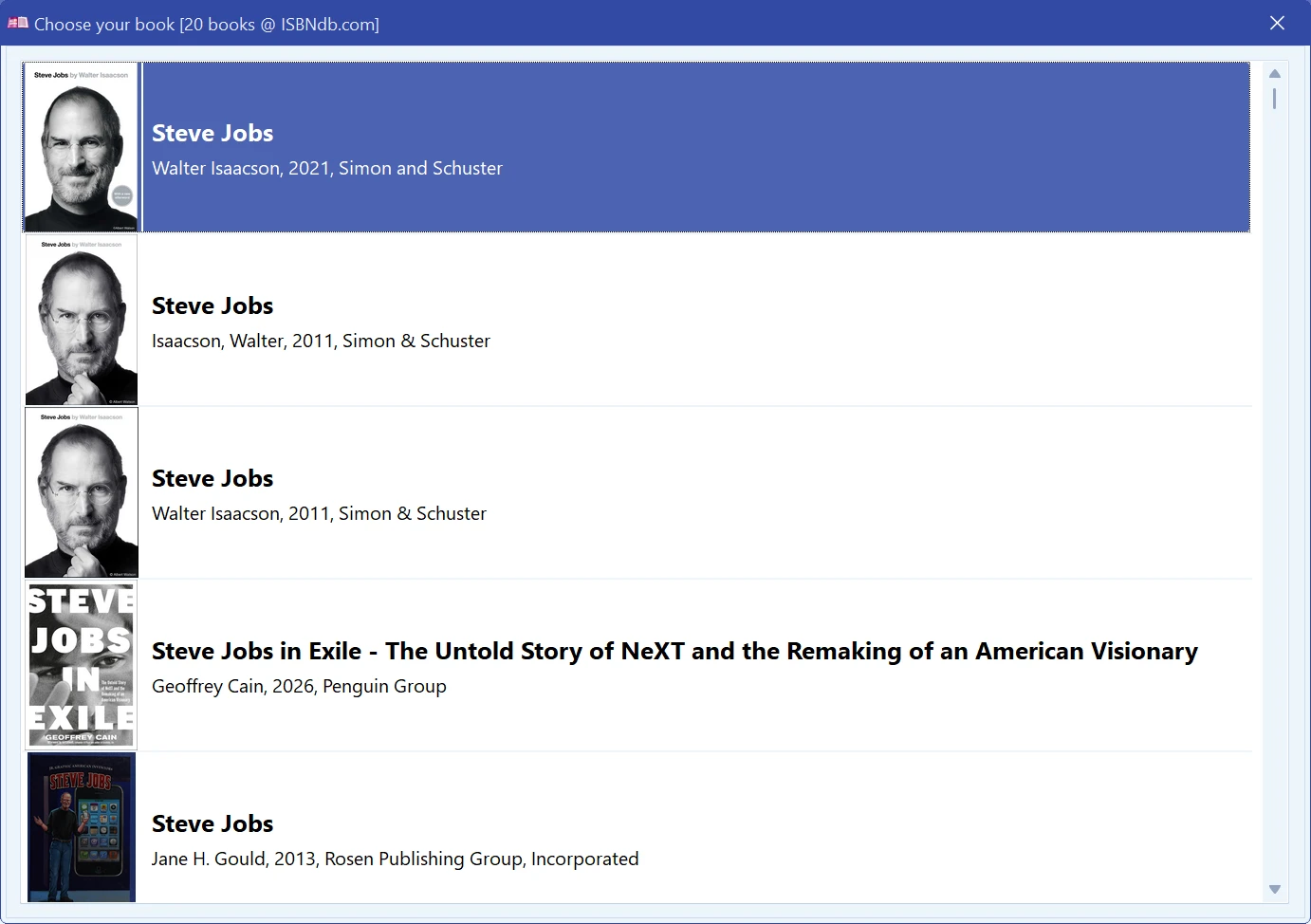
Nothing found? Different sources know different books. Open the drop-down next to the search button and try another one — Goodreads and Google Books for English titles, Chitai-gorod or MyBookList for Russian ones, ISBNdb when you have the number. See Adding a book automatically.
Other ways in: by barcode, from an e-book file, from an audiobook, or by scanning a whole drive.
Next: How to find a book.
Free to try. Catalog up to 100 books at no cost, forever.