Wonderful program
"Out of everything that I dreamed my book database should be able to do, there is only one thing that All My Books doesn't do, but it does do so much more than I ever imagined that I don't care!You have made it so incredibly easy to do this, and it is much less time consuming than I ever thought it would be, which is a tremendous help. The instructions you give about how to use All My Books in the Help section is very clear and made it very easy to get started. Your user interface is extremely logical and intuitive to use, which too many programs don't manage to do very well. Thank you so much for creating this incredible, wonderful program!"
Joan Dulberg
Alfa eBooks Manager Alternative
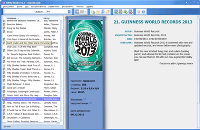
Alfa eBooks Manager is a Windows ebook organizer: it scans folders, edits file metadata, converts formats and includes a built-in reader. That is a Calibre-style workflow. If what you actually want is a home library catalog — printed books, ebooks and audiobooks in one database, ISBN lookup, loan tracking, files left where they already live — All My Books is the closer fit.
You do not have to start from scratch. All My Books imports an Alfa eBooks Manager collection directly: Database → Import collection from → Alfa eBooks Manager... Alfa does not need to be installed; you only need the database file.
Alfa eBooks Manager vs All My Books at a glance
| Feature | Alfa eBooks Manager | All My Books |
|---|---|---|
| What it is | Ebook manager (reader, conversion, file metadata) | Book catalog for paper, ebook & audiobook |
| Import Alfa collection | — | Database → Import collection from → Alfa eBooks Manager |
| Leaves files in place | Manages ebook files (edit / convert in-app) | Catalog is an index — files stay on disk |
| Built-in ebook reader | Yes | Opens files in the reader you already use |
| Online book lookup (ISBN, title) | Amazon, Google and others | Multiple online sources, cover art |
| Loan / borrowed book tracking | Yes | Built-in loan manager |
| Virtual bookshelf view | 3D / customizable library views | Virtual bookshelf |
| Perpetual license | Yes (editions vary) | Perpetual license and annual subscription |
| Discount for switchers | — | 25% off for migrants |
Why people look for an Alfa eBooks Manager alternative
Alfa is built around ebook files: parse tags, convert EPUB/MOBI/PDF, read inside the program. That is useful if your whole library is digital and you want one app to manage the files themselves. It is less natural if most of the collection is still on shelves, or if you already have a favorite reader and only need a catalog on top of existing folders.
All My Books stays a book catalog. Scan ebook folders, attach files to cards, look up paper books by ISBN or barcode, track loans, and browse a virtual shelf. It does not copy or rename files into its own library folder — the same difference we draw versus Calibre on the ebook organizer guide.
How to import Alfa eBooks Manager into All My Books
Option A — direct import (recommended if you still have the Alfa database file):
- Install and start All My Books.
- Open Database → Import collection from → Alfa eBooks Manager... and select the database file. Alfa does not need to be installed.
- Wait until the conversion finishes, then spot-check covers, series and file links.
Option B — Excel / CSV (if you no longer have the database file):
- Export the collection from Alfa to Excel or CSV if the program still offers that.
- In All My Books use Tools → Import from → Import from MS Excel... (or plain text / CSV).
- Map title, author and ISBN at minimum; then refresh details online for missing covers.
Large or messy collection? Contact support — we help people switching from other book organizers regularly.
Alfa eBooks Manager migrants special offer
Already paid for Alfa? You do not need to buy All My Books at full price. Request a discount on our special offer page for users switching from another book organizer (25% off).
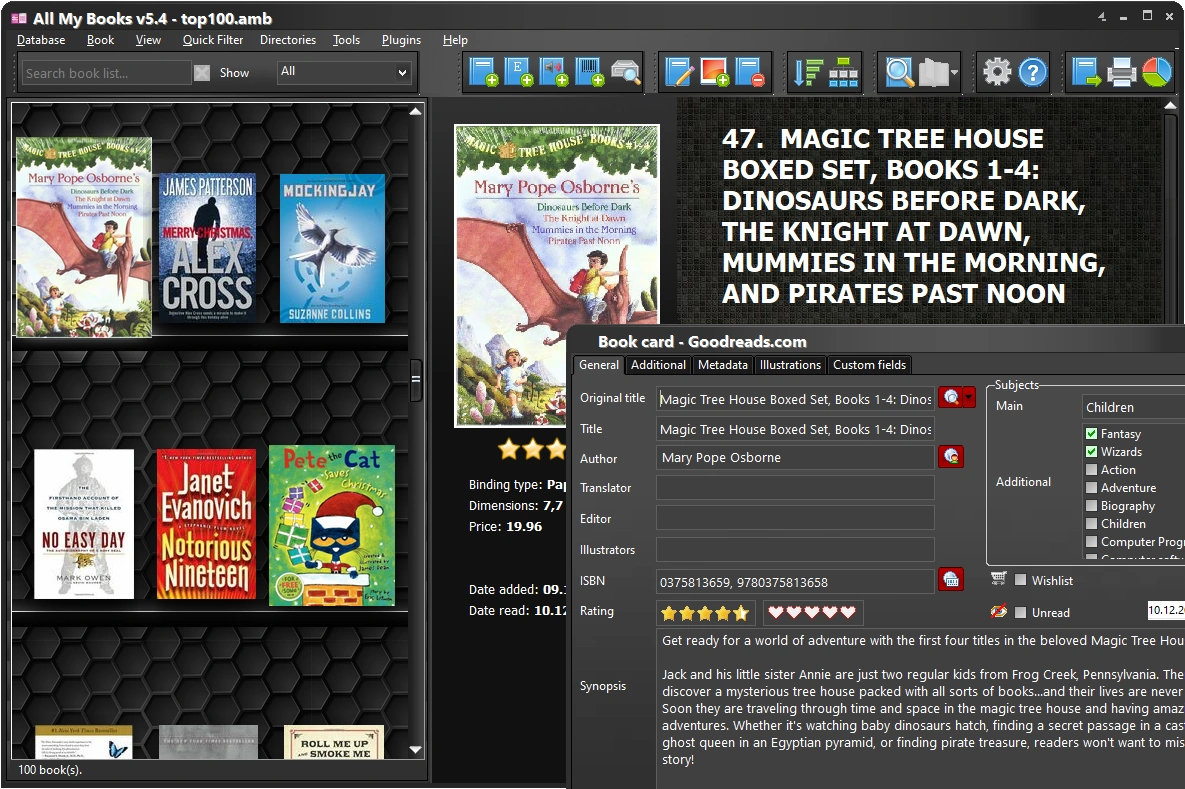
All My Books — screenshot:
What our customers say