Wonderful program
"Out of everything that I dreamed my book database should be able to do, there is only one thing that All My Books doesn't do, but it does do so much more than I ever imagined that I don't care!You have made it so incredibly easy to do this, and it is much less time consuming than I ever thought it would be, which is a tremendous help. The instructions you give about how to use All My Books in the Help section is very clear and made it very easy to get started. Your user interface is extremely logical and intuitive to use, which too many programs don't manage to do very well. Thank you so much for creating this incredible, wonderful program!"
Joan Dulberg
Readerware Alternative
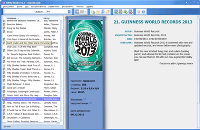
Readerware was a well-loved book, music and video catalog for Windows. Sadly, the original developer has passed away, and the product is no longer maintained. Many long-time Readerware users are now moving their libraries to All My Books — a book catalog that is still actively developed, with modern ISBN lookup, cover art, loan tracking and regular updates.
The good news: All My Books reads Readerware databases directly. You do not have to re-type thousands of titles, and Readerware does not need to be installed — just point All My Books at the database file.
Readerware vs All My Books at a glance
| Feature | Readerware | All My Books |
|---|---|---|
| Active development & support | No longer maintained | Regular updates & support |
| Import from Readerware | Own database / Excel export | Database → Import collection from → Readerware |
| Import via Excel / CSV | Export from Readerware | Tools → Import from → MS Excel or CSV |
| Online book lookup (ISBN, title) | Frozen — no updates | Multiple online sources |
| Printed, ebook & audiobook catalog | Books (+ music/video modules) | Books, ebooks & audiobooks in one app |
| Loan / borrowed book tracking | Yes | Yes — track loans |
| Export to HTML / PDF / Excel | Limited | Multiple formats |
| Virtual bookshelf view | No | Yes |
| Discount for switchers | — | 25% off for migrants |
How to import your Readerware collection into All My Books
Option A — direct import (recommended if you still have the Readerware database file):
- Install and start All My Books.
- Open Database → Import collection from → Readerware... and select your Readerware database. Readerware does not need to be installed.
- Wait until the conversion finishes, then spot-check titles, authors and custom fields.
Option B — Excel / CSV (if you no longer have the database file or prefer a spreadsheet):
- In Readerware, export your book collection to Microsoft Excel (titles, authors, ISBNs and any custom columns you use).
- In All My Books use Tools → Import from → Import from MS Excel... and select the exported file.
- Map columns if prompted — title, author and ISBN are the most important fields. All My Books can fill in missing details from online databases after import.
If Excel import hits a snag — for example odd column layout or encoding issues:
- Open the export in Excel or LibreOffice and save it as CSV (comma-separated text).
- In All My Books use Tools → Import from → Import from plain text (CSV)...
- Follow the wizard to assign columns. CSV import is often more forgiving with large or older exports.
Stuck on a tricky file? Write to support — we help Readerware migrants often.
After import — refresh covers and metadata
Once your books are in All My Books, select titles and use online lookup to download current cover art and descriptions. For ISBN-based books this takes seconds per title. You can also add new books by ISBN or barcode — something that no longer works reliably in unmaintained software.
Readerware migrants special offer
Switching from Readerware? Request a discount on our special offer page for users moving from another book organizer.
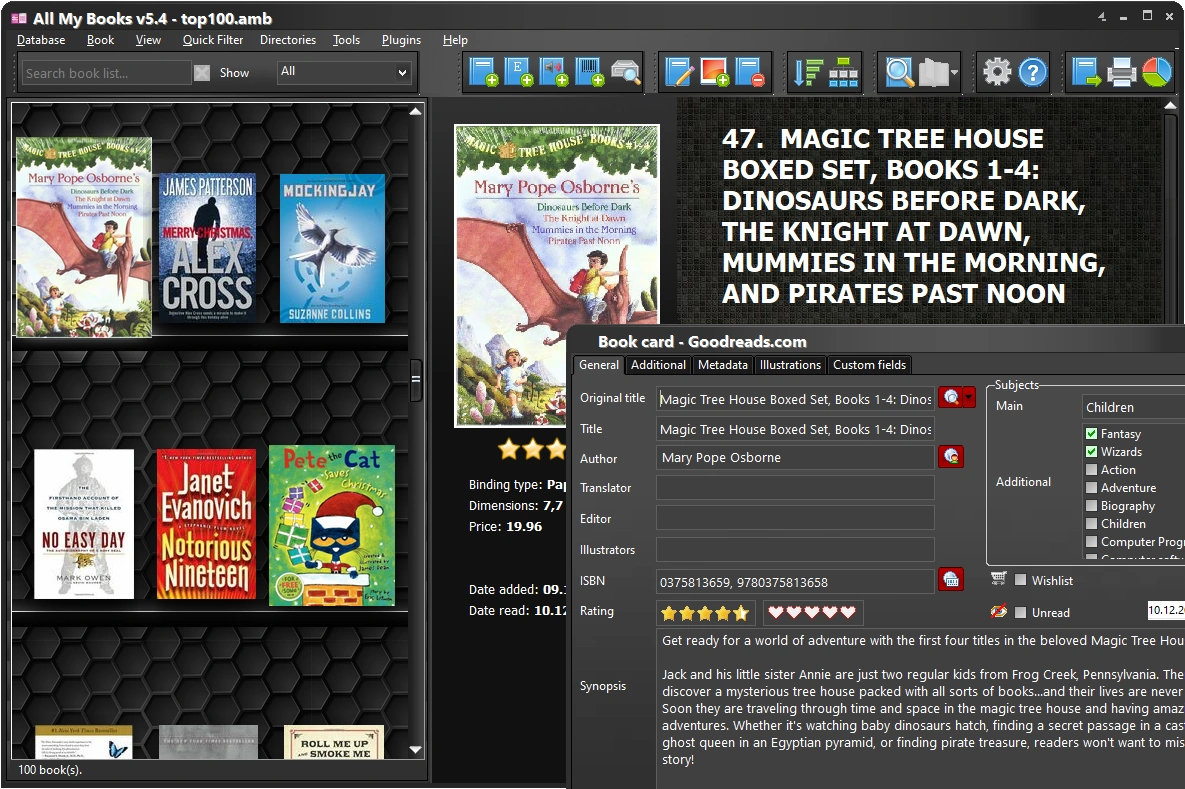
All My Books — screenshot:
What our customers say