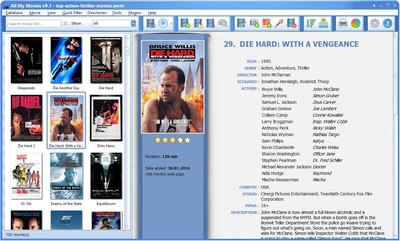
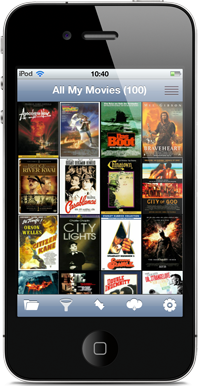
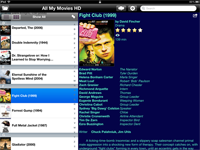
All My Movies app for Android-based devices
Please note: All My Movies for Android is no longer available in the app stores. If the app is already installed on your device, it keeps working, and you can still send your collection to it from All My Movies for Windows® as described below.
If you are a happy owner of an Android device and love All My Movies, you can now take full use of your movie catalog any time anywhere using our new mobile app!
Your movie collection will look just perfect on your Android device. Take a quick look:
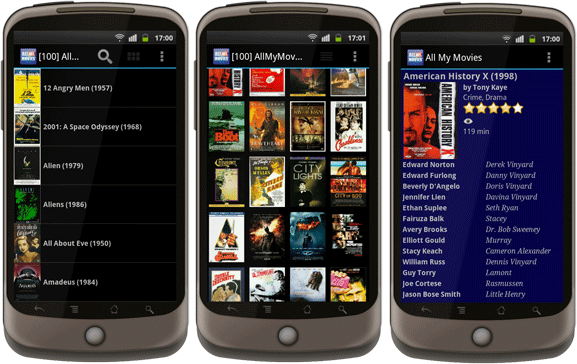
With All My Movies for Android:
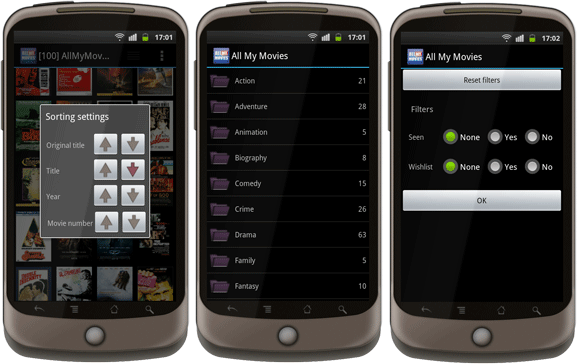
- You get wide viewing options
- going through your movie database using the Quick Search box
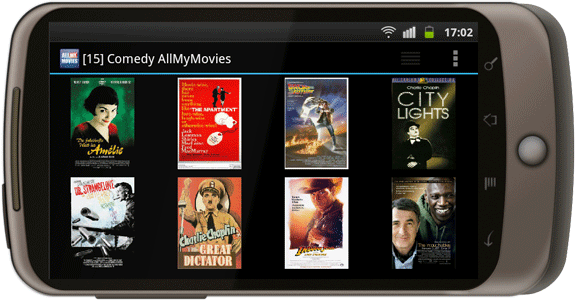
- viewing cover images in full screen mode. Swipe to browse them!
- looking through your movie collection as a title list or cover thumbnails
-
You get a whole bunch of sorting/grouping/filtering opportunities
- filtering your collection by Wishlist, Seen or your personal marks
- grouping your collection into the folders by Genre, Year, Media Type or Location field values
- sorting your movie catalog by Movie Number, Year, Title or Original title
-
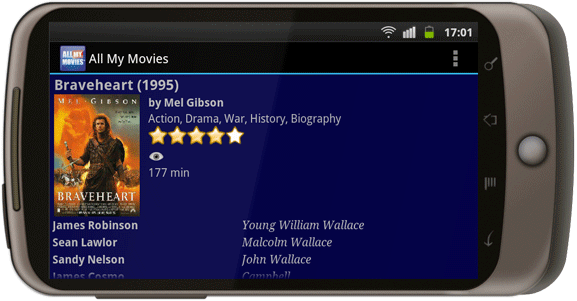
You'll have full access to the detailed movie info
- reading extended movie info like cast, crew and synopsis
- quickly locating the actual movie media with the help of fields like Movie Number, Media Label, Location
Five Good Reasons To start Using All My Movies for Android Right Now
- It's very convenient! Save your time having immediate access to your movie collection.
- No more buying movies that are already in your library!
- Look through your Wishlist on the run!
- Your collection always has the latest info thanks to the easy and fast synchronization process
- Detailed movie info is always at your fingertips! When you're on a bus or got stuck in a traffic jam, don't waste this time and have fun with All My Movies for Android ;)
Sync Your Movie Library With All My Movies for Windows® Within Seconds
You've got two easy ways at hand that will help you to transfer your database to a mobile device.
- Using the Internet
The first approach is the easiest one. Your collection will be uploaded to Bolide Software server and after that you are welcome to download it to your Android device using our mobile app. - Using a local file
The second way is mainly used when you face troubles with the first one, though it's really handy as well. Your collection will be exported to a special file, which you can later transfer to your device yourself. After that All My Movies for Android app is ready to import it.
All My Movies for Android works just fine in horizontal mode as well! Enjoy it!
No longer in Google Play
Already installed? The app keeps working.
Requires Android 4.0.3 or newer